
Microsoft 365 Consulting in Tacoma
Stop paying for a tool your team barely uses and start getting the full value out of every Microsoft 365 license your business holds.
Your Team Deserves Tools That Actually Work Together
Businesses in Tacoma pay for Microsoft 365 licenses that barely get used. Teams go untouched, files are still being emailed back and forth, and nobody is quite sure what they are actually paying for. Settings are left at default, security configurations are incomplete, and the tools meant to simplify work end up adding confusion instead. Over time, staff work around the system rather than with it, and the investment made in Microsoft 365 delivers far less than it should.
Most businesses in Tacoma are paying for tools they never set up. SharePoint sits unused, Intune is never configured, Defender is left at default, and Exchange Online is barely touched beyond basic email. When Microsoft 365 is properly set up and managed, those same tools become a connected, secure environment your team can actually rely on. Files are organized, devices are managed, security is active, and everyone works from the same system without the workarounds.
What Microsoft 365 Consulting Covers
Teams channels and SharePoint sites are configured for your actual workflows.
Microsoft Defender for Microsoft 365 is activated to filter phishing and spam.
Exchange Online is set up with proper DNS, SPF, DKIM, and DMARC records.
OneDrive sync policies are deployed so staff can access files from any device.
Microsoft Intune is enrolled, so company devices meet your security standards.
Conditional Access policies configured to block unauthorized sign-ins.
Licensing reviewed, so you are on the right plan for your business size.
“With Cybertools, we trust that someone is always watching over our network, if something is to occur, Cybertools has us covered. Cybertools has a very pro-active level of service (...) Their pricing and invoices are straightforward, there are no surprises or nebulous language. We’ve had a great experience with Cybertools, we like their service better than the previous companies that we have worked with in the last ten years.”

RICKY BURNS
Washington
Washington
“Cybertools Is A “Breath Of Fresh Air" (...) It is great to have a company that is so personable and follows up on every issue. Throughout our time together they continued to actively show they truly care. With other firms, I have experienced coldness and it was easy to feel like just another client. It is NOT that way with Cybertools, which is a breath of fresh air. The service provided by Cybertools is personable, the entire team is helpful and friendly.”

FERETI SA'AU
Washington
“Since we started working with Cybertools I no longer need to stress about anything computer related. The Cybertools Team keeps our team up to date (...) They continue to provide us with peace of mind as they swiftly handle any IT issue we have, making sure the issue is resolved to completion. I always appreciate how the entire Cybertools team continues to be professional, responsive, friendly, and competent.”

BRIAN FORSYTHE
Washington
How We Configure Microsoft 365 for Your Business
We take a structured approach to Microsoft 365 consulting that goes well beyond just setting up email. Our team evaluates your existing setup, maps your team's workflows, and builds out the configuration that fits how your business actually operates.

Tenant Setup
We configure your Microsoft 365 tenant from the ground up, including admin roles, domain verification, and security baselines, so everything runs on a solid foundation.

Email and Security
Exchange Online is configured with proper authentication records and Defender policies to help reduce spam, phishing attempts, and unauthorized email activity hitting your inbox.

Collaboration Tools
SharePoint and Teams are structured around your departments and projects so staff can find files, communicate, and collaborate without jumping between apps or inboxes.

Device Management
Microsoft Intune is deployed to manage company devices, enforce update policies, and apply security baselines so endpoints across your business stay consistent and protected.




The Risk of Running Microsoft 365 Without Proper Configuration
Staff save files to personal folders or USB drives because SharePoint was never set up. Phishing emails slip through because Defender was never configured. Teams notifications pile up unread, and without Conditional Access policies in place, one compromised account can expose your entire Microsoft 365 environment.
A file saved in the wrong place becomes a compliance risk. A leaked account turns into a larger security incident. Businesses in Tacoma running an unconfigured Microsoft 365 tenant carry more risk than most realize.
Choose Us for Microsoft 365 Consulting in Tacoma
Every Microsoft 365 engagement starts with a full review of your current tenant. As part of our IT services, we look at your licensing tier, security settings, admin configurations, and how your team is using the tools today.
We handle the setup, migration if needed, and training so your team knows what to do and why. As your IT company in Tacoma, we stay involved after deployment, managing changes, adding users, and adjusting configurations as your business grows. Microsoft 365 is an ongoing system, and we treat it that way.
Our Microsoft 365 Consulting
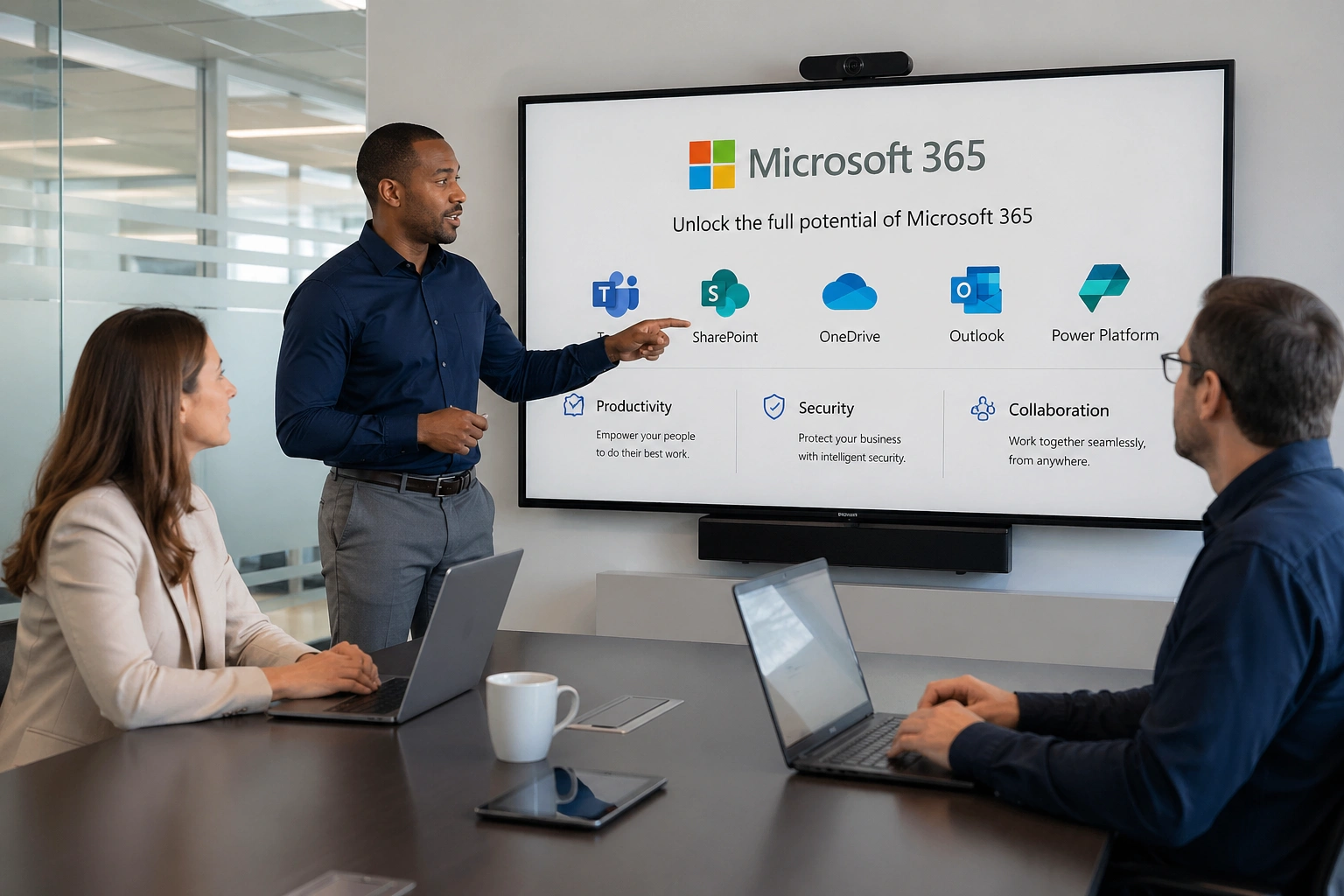
Teams are not as productive as they should be when the tools they rely on are only half set up. Files live in multiple places, communication happens across five different apps, and no one is quite sure where the latest version of anything is.
Businesses in Tacoma that go through a proper Microsoft 365 consulting engagement see their teams spending less time searching and more time working. Here is what our consulting covers.
License Management
Many businesses in Tacoma carry licenses for users who no longer work there or are paying for features on a plan that does not match their needs. We review your license assignment, right-size your plan, and make sure every seat is accounted for so you are not paying for unused access.
Microsoft 365 licensing is reviewed against your current team size and needs.
Unused licenses have been identified and removed from your Tacoma tenant.
Plan tier is evaluated so your features match your actual requirements.
License renewals are tracked, so nothing lapses without notice.
Security Configuration
Accounts with no multi-factor authentication, open sharing permissions, and no Conditional Access policies are a common setup for businesses that have not had a proper Microsoft 365 consulting review. We configure Microsoft Defender, MFA, and access policies to reduce exposure.
Multi-factor authentication is enforced across all Microsoft 365 accounts.
Microsoft Defender for Microsoft 365 is configured for phishing and malware filtering.
Conditional Access policies set to block logins from untrusted locations.
Admin roles are scoped so access is limited to what each person actually needs.
Exchange Online and Email Setup
Businesses in Tacoma running Exchange Online without proper DNS records often deal with delivery issues that go unnoticed until a client mentions they never received something. We handle full email authentication setup, including SPF, DKIM, and DMARC.
Exchange Online is configured with a verified domain and proper MX records.
SPF, DKIM, and DMARC records are set up to improve deliverability.
Email archiving and retention policies are applied to meet your compliance needs.
Shared mailboxes and distribution lists are set up for your team structure.
SharePoint and OneDrive
When there is no shared file structure, staff create their own systems, and files end up scattered. We build a folder and permissions structure around how your team works.
SharePoint sites are built and organized around your departments and projects.
Permissions are configured so staff can access what they need and nothing more.
OneDrive sync is set up so files are accessible from any approved device.
Document versioning is enabled, so previous file versions can be recovered.
Microsoft Teams Setup
Teams installed but rarely used is a common situation in businesses in Tacoma that did not get proper onboarding. We structure Teams around your workflows and walk your staff through how to use it effectively.
Teams channels are organized by department, project, or client as needed.
Meeting policies configured for internal and external collaboration.
Teams are integrated with SharePoint, so file sharing happens in one place.
Guest access is configured so clients or partners can collaborate securely.
Microsoft Intune and Device Management
Without a centralized device-management platform, it may be difficult to consistently enforce updates, encryption, access policies, and remote-wipe capabilities. Intune brings device management into your Microsoft 365 environment.
Compliance policies require encryption and screen lock.
App protection policies are deployed for mobile devices accessing company data.
Remote wipe capability is enabled for lost or stolen devices.
Migration Services
Moving to Microsoft 365 from Google Workspace, an older Exchange server, or another platform is a project most businesses want to avoid because they are not sure how much disruption it will cause.
Pre-migration audit of existing email, contacts, and calendar data.
Staged migration approach designed to reduce disruption to your team.
Microsoft 365 tenant configured before cutover, so users are ready to go.
Post-migration verification to confirm all data transferred correctly.
Ongoing IT Support
A configured Microsoft 365 tenant still needs attention over time. New staff need accounts. Permissions change. Security policies need updating as threats evolve. Businesses in Tacoma that rely on us for IT support get a team that knows their Microsoft 365 environment and keeps it running as the business changes.
New user onboarding handled, including licensing, email, and device setup.
Password resets, access issues, and permission changes are handled for your team.
Security settings reviewed and updated as Microsoft releases policy changes.
Regular tenant health checks to catch configuration drift before it causes problems.
Get In Touch!
If your team feels like Microsoft 365 could be working better, we are happy to take a look. We work with businesses in Tacoma on everything from full Microsoft 365 consulting engagements to addressing specific configuration gaps. Whether you need a complete setup, a migration, or a simple audit of what you already have, reach out, and we can figure out the right next step together.
Contact us today to schedule a review of your Microsoft 365 environment. We work with businesses across Tacoma and the surrounding area to get their Microsoft 365 setup working the way it should.
Frequently Asked Questions About Microsoft 365 Consulting in Tacoma
What does your Microsoft 365 Consulting include?
Our Microsoft 365 consulting helps Tacoma businesses improve how they use and manage the Microsoft 365 platform. We review licensing, configure Teams and SharePoint around your workflows, strengthen email and account security, organize file access, and help employees understand how to use the tools effectively. If you are moving from another platform, we can also plan and support the migration while keeping disruption to your staff as low as possible.
Do I need a consultant if we already have Microsoft 365?
Yes, especially if your team is not fully using what is already included in your subscription. Many Tacoma businesses are paying for features like Teams, SharePoint, and advanced security tools that go untouched. We help identify those gaps, configure underused tools, and make sure your Microsoft 365 environment is set up correctly and securely.
How does your Microsoft 365 migration work?
We start with an assessment of your current environment, then handle data transfer, account setup, and configuration before going live. Our Microsoft 365 consulting process for Tacoma businesses includes testing and post-migration support so your team experiences a smooth cutover without data loss or downtime.
Which Microsoft 365 license does my business need?
Licensing depends on your team size, the features you need, and any compliance requirements your industry has. We help Tacoma businesses compare plans and select the right tier so you are not overpaying or missing critical tools.
Can your Microsoft 365 Consulting help with cybersecurity?
Absolutely. Microsoft 365 includes powerful built-in security tools that most businesses never fully activate. We configure multi-factor authentication, data loss prevention, email filtering, and compliance policies to protect your Tacoma business from threats like phishing and ransomware.
We'll Make IT A Powerful Tool For Your Business
Technology should help your business grow, not create constant headaches. Since 1999, we've helped Pierce County companies turn their IT into a strategic advantage through proactive support and honest partnership.
Give us a call at (253) 652-5461 or complete the form to start the conversation.
What Happens Next?
Fill in our quick form
We'll schedule an introductory phone call
We'll take the time to listen and plan the next steps

© Copyright 2026 Cybertools, Inc. All Rights Reserved. Built in partnership with Tech Pro Marketing. | Privacy Policy | Areas We Serve


